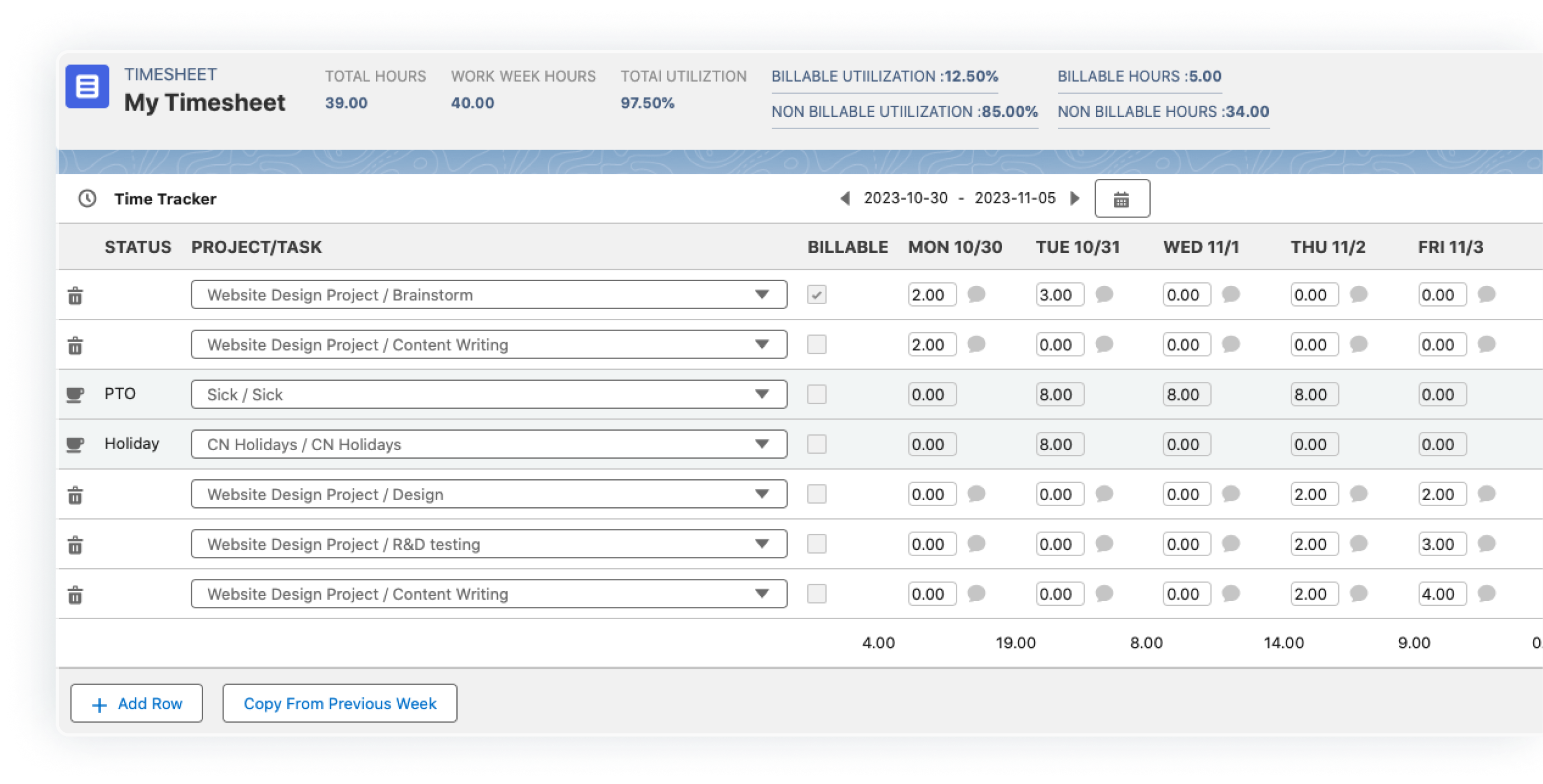

Picture this: It’s the last week of the quarter. Your project managers, finance team, and auditors are frantically exporting spreadsheets, reconciling milestones, and debating whether Contract #47 should be recognized “over time” or “at a point in time.” Sound familiar? For most project-based businesses, revenue recognition is still a manual, error-prone fire drill. The good news: Professional Services Automation (PSA) software has quietly evolved into a purpose-built compliance engine that can stamp out the chaos—permanently.
Here is a practical walk-through of how modern PSA platforms (think NetSuite SRP, SAP PSA, Leanx PSA, or Gaker PSA) can automate the entire revenue recognition workflow—without a single late-night VLOOKUP.
Capture the Contract Once—Never Re-key Again • CRM integration pulls the approved quote, SOW, and billing schedule directly into the PSA project record. • Clause-level rules (performance obligations, discounts, variable consideration) are stored as structured data, not PDF footnotes. Result: The single source of truth starts before the kickoff meeting.
Auto-Tag Deliverables to ASC 606 / IFRS 15 Models • Each milestone, timesheet entry, or support ticket is mapped to the correct performance obligation in real time. • PSA logic decides “over time” vs. “point in time” based on project type, contractual terms, and even customer acceptance triggers.
Continuous Percentage-of-Completion Calculations • Instead of waiting for month-end, the system consumes actual hours, % complete, and pre-defined labor-hour rates to compute revenue every night. • Built-in variance alerts warn PMs when forecast costs drift more than 3 %—long before finance has to restate anything.
Automated Journal Entries & Audit Trails • Once the billing clerk hits “Approve,” the PSA engine posts the revenue and deferred revenue journals to the GL with full drill-back to source documents. • Every change—scope creep, change orders, or rate re-negotiations—is time-stamped and tied to a user ID, giving auditors an unbreakable chain of evidence.
Real-Time Forecast & Compliance Dashboards • CFO dashboards show ASC 606 waterfall schedules, unbilled AR, and contract liabilities at a glance. • Drill from high-level “red flags” down to the individual project task that caused the deviation in seconds.
Case Snapshot: FinServ Advisory Cuts Close Cycle by 72 % A 250-person financial-consulting firm adopted Leanx PSA last year. Before: 14-day monthly close, 6 FTEs reconciling revenue. After: 4-day close, 2 FTEs redeployed to FP&A. The secret? Milestone-based revenue rules triggered automatically when client sign-offs were uploaded to the project workspace.
What to Look for When You Shop ✓ Native ASC 606 / IFRS 15 templates—not bolt-on spreadsheets ✓ Bidirectional sync with your GL (NetSuite, SAP, or QuickBooks) ✓ Role-based alerts for PMs when POs, expenses, or change orders threaten margin ✓ Sandbox environment where finance can test new contract clauses without risking live data
Bottom Line Revenue recognition doesn’t have to be a quarterly panic attack. With the right PSA platform, compliance becomes a by-product of doing everyday project work. You close faster, you audit cleaner, and—most importantly—you finally trust the number on the top line.
Ready to ditch the spreadsheets? Pick a PSA vendor that treats revenue recognition as core DNA, not an afterthought, and watch your finance team become the most relaxed people in the building on day 90 of every quarter.